You are visiting a website for another country. Some products may not be available or valid in your location. Switch to your local store for the best experience.
Balance check & redeem
Verify your Choice Gift Card!
Enter your 19-digit card number. This can be found on the back of your physical gift card (beneath the barcode) or on your digital gift card in your email.
How to check your balance
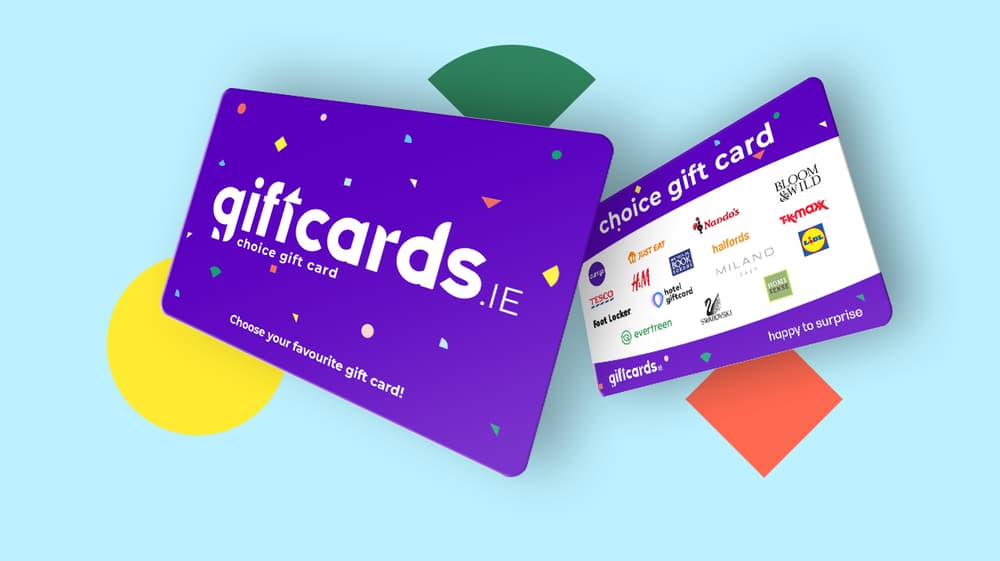
You check the balance of your Choice gift card at the top of this page, with the 19-digit card number. It works for Choice cards from giftcards.ie, such as the All-in-1 Choice Gift Card, and it takes a few seconds:
- Find the 19-digit number on the back of the card or in the email.
- Type it into the field above.
- Click "Check the balance".
Your gift card balance shows straight away. Already swapped part of it for something? Grand, whatever's left sits there waiting for you, so there's no need to spend the lot in one sitting.
How to redeem your Choice gift card
Redeeming happens on this page too, in three steps:
- Enter the 19-digit card number.
- Pick one or more gift cards.
- Add your details and finish with the card number and the PIN.
If you chose e-vouchers, they arrive by email within one hour. Nothing there yet? Have a look in your spam or junk folder first, because that's where a stray email usually ends up. If it's still missing, send us a message through the contact form and we'll look into it.
Physical cards go out by post within five business days. Once they're on their way there's no tracking, so give the post a few days before you start wondering.
Swap it for several gift cards
You don't have to put the whole balance on one shop. Split it over as many gift cards as you like, as long as each one is at least €10. A balance of €150, for example, can become up to 15 different cards, or two or three bigger ones if that suits better.
The theme versions of our card work exactly the same way. A Happy Holidays Choice Gift Card from under the tree or a Mum Choice Gift Card from Mothering Sunday is checked and redeemed right here.
Checking a One4all or Dunnes gift card
A card from another company is checked with the company that issued it, not here. This page only reads Choice gift cards from giftcards.ie, so a One4all, Dunnes or Dundrum number won't come up. Here's where to go instead.
Dunnes Stores: for your Dunnes gift card balance, go to the Dunnes Stores website and enter the 19-digit gift card number and the 4-digit PIN. On a plastic card, the PIN is on the back under a peel or scratch-off panel. You can also add the card to the Dunnes Stores app, where the balance updates within 30 minutes of using it.
One4all: you can do a one for all balance check on one4all.ie, in the One4all app or by phone on (01) 906 8547. The staff at the till can't see the balance, so check before you go shopping.
Dundrum Town Centre: to see your Dundrum gift card balance, use getmybalance.com, which the Dundrum website links to, or call in to one of the gift card kiosks in the centre, on Level 1 beside Clarks or on Level 2M in The Gallery Mall.
Next time, if you'd rather give a card where they pick the shop themselves, have a look at our multi-store gift cards